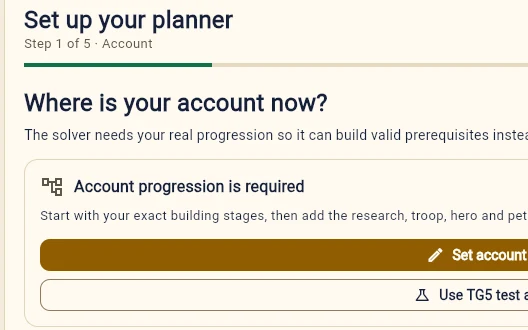
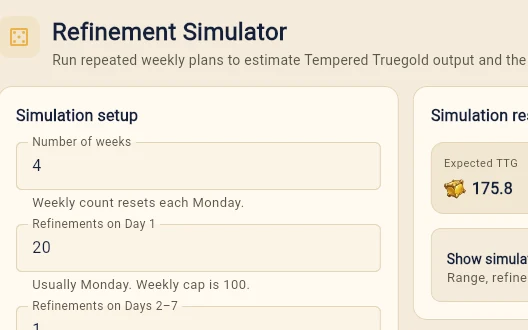
Calculators and references for the decisions you make every week, from event days to Truegold tiers. Each guide explains the tool and walks through how to use it.
Sharper island artwork, building appearances and smoother maps
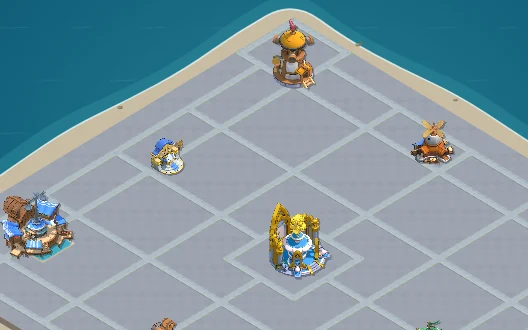
Choose recovered building appearances, compare fully upgraded and base prosperity, and zoom three steps closer. Building ground patches and Meadow now follow the recovered masks and hide during moves. Mobile artwork and animations use smaller images, while higher-resolution artwork remains available for close zoom. Language choices now show flags. Existing saved layouts are preserved.
Island group editing, scenery and lighter artwork
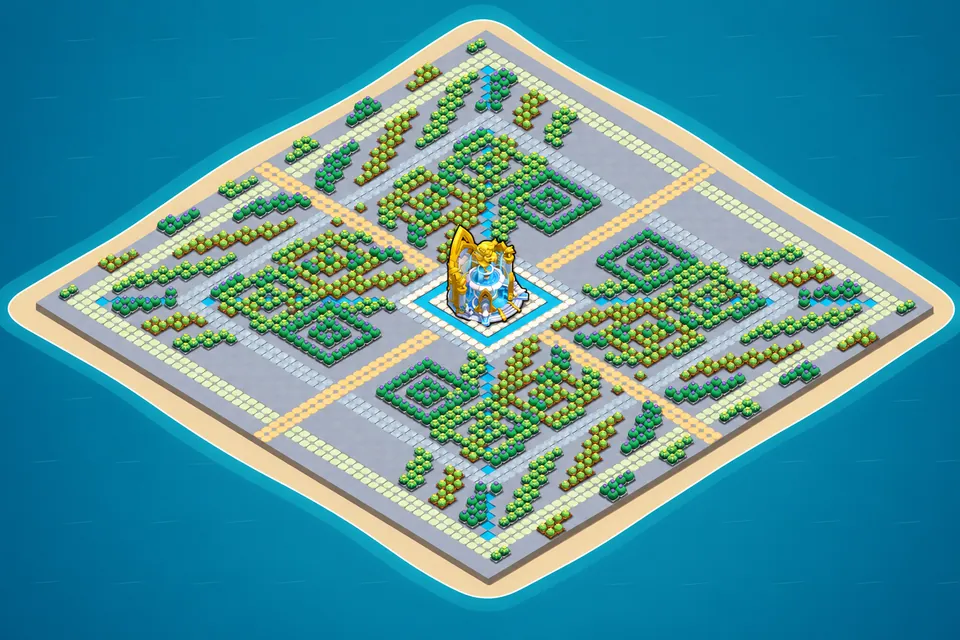
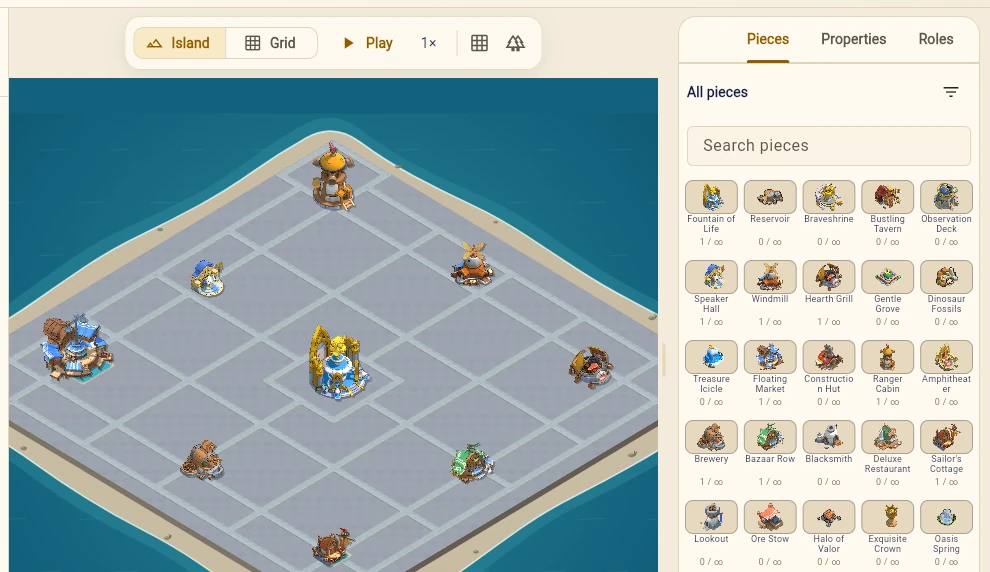
Select an area to move, copy, rotate, mirror or delete pieces together, with Undo, Redo and keyboard shortcut help. Explore the recovered island scenery, fit the whole island or your layout, and find Curiosity Cottage and Sea Angler in the piece catalogue. Large island and Finder’s Fortune images now use lossless WebP, and the island loads building artwork as needed. Existing saved layouts are preserved.
Pet and Master upgrade examples, clearer storage policy
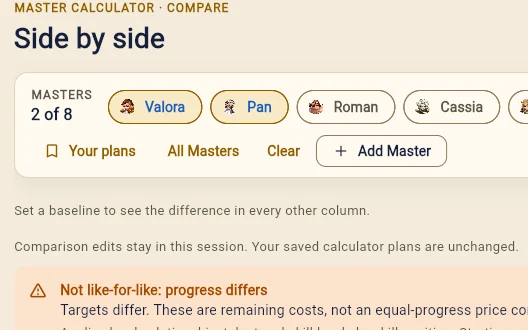
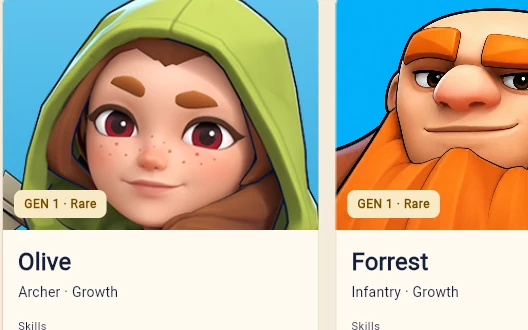
Work through a Gray Wolf food and advancement budget, read Olive’s skills by activity, and compare Valora and Pan from the same starting level. The public cookie policy now follows the in-app policy, including saved Finder settings and Undo. Support links remain available without an automatic donation popup.
Yes. Every tool is free to use without an account. Signing in only adds profile saves for planner workspaces, saved gift-code characters and public island links.
Does it need my game account or password?
No. KS Companion never asks for your game password and cannot act inside the game. Gift codes are redeemed through the official redemption site with your Player ID only.
Is this an official Kingshot site?
No. KS Companion is an independent fan project and is not affiliated with or endorsed by Century Games. Game artwork belongs to its owners.
Can I share my island design?
Yes. Save your layout, then publish it from the planner’s sharing controls to get a link other players can open. Featured islands in the app show designs other players have shared.
Built by a player, for players.
KS Companion is an independent, fan-made project for Kingshot players. Plan your island first, then build it in the game with confidence.