KS Companion · Tool guide
Kingshot Event Planning and Today Checklist
Build a Kingshot upgrade plan around your resources and event days, then track selected work with the Today checklist.
Open PlanIndependent fan tool. Check estimates against the game before spending resources.
Updated
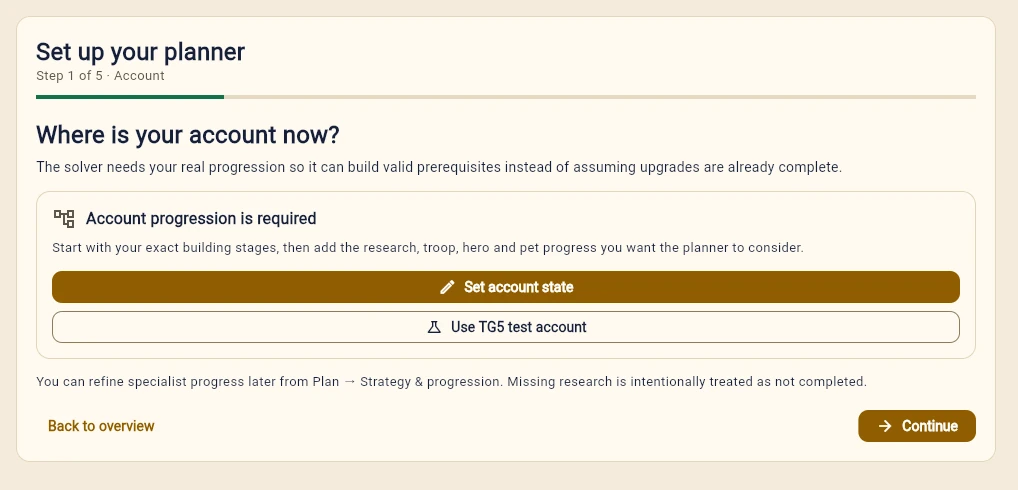
See the tool in action
Explore before you set up
Example: a Day 1 resource and score budget
This worked budget uses the app’s Kingdom of Power Day 1 reference, City Construction. The quantities are illustrative: 40 Truegold spent on eligible upgrades and 60 minutes of eligible construction speedups. They are not the cost of a named building, and this example does not generate or add tasks to your account.
| Resource | Owned | Reserved | Available | Planned spend |
|---|---|---|---|---|
| Truegold | 120 | 50 | 70 | 40 |
| Construction speedups | 180 min | 60 min | 120 min | 60 min |
The selected spend fits inside the available amounts. After it, 80 Truegold remain in total, of which 50 are still reserved and 30 are free. Speedups fall to 120 minutes in total, with 60 reserved and 60 free. The reserve remains protected; it does not become spendable just because a milestone is close.
| Action | Quantity | Points per unit | Expected points |
|---|---|---|---|
| Spend Truegold | 40 | 2,000 | 80,000 |
| Use construction speedups | 60 min | 30 | 1,800 |
| Remaining planned contribution | — | — | 81,800 |
| Score measure | Points |
|---|---|
| Actual score entered from the game | 30,000 |
| Unfinished planned contribution | 81,800 |
| Projected score | 111,800 |
| Illustrative target | 100,000 |
| Projected amount above target | 11,800 |
The projection passes 100,000, but your actual score is still 30,000 until you perform the eligible actions and check the game. Never add the same planned 81,800 again after it has already become part of your actual score. Refresh the route and reconcile completed work so the projection reflects only unfinished contributions.
Turn a budget into executable work
- Enter account progress, inventory and the correct event dates. Browse upgrades and add the targets you intend to complete.
- Review the full prerequisite chain. A resource budget does not make a locked upgrade available, and shared prerequisites should be counted once.
- Build the plan and inspect Today’s ordered tasks. Read which actions score on that day: spending materials, using speedups and completing an upgrade need not happen together.
- Complete work in the game, then use the checklist to reconcile the actual spend. Update the observed score separately. Delay or skip unfinished work rather than marking it completed.
Why the same stock can score differently tomorrow
Event days use different eligible actions. The app’s Day 3 Pet Training reference does not award points for either of the two example actions, so carrying this same budget onto Day 3 would contribute zero from those actions. Read your current in-game event rules before committing resources; do not carry one day’s rates across the whole event.
If the route falls short, first check the date, eligibility, prerequisites and observed score. Then compare extra work against unreserved stock. Spending additional resources to chase a milestone is a decision to make deliberately, not a reason to consume protected materials automatically.
Use the tool with your own goals
Choose the work you want to do
Begin with your account progress, resources and event settings. Browse possible upgrades and explicitly add the ones you want to pursue. Review prerequisite upgrades and the target range before building the plan. Available resources and previously reserved materials both matter when deciding what you can afford.
Match actions to event days
An upgrade’s usefulness depends on when an event scores it and which action awards points. Review the proposed schedule and the named event day rather than assuming every upgrade counts today. Speed bonuses and available speedups change timing estimates, so keep those inputs consistent with your intended in-game actions.
Track execution without inventing results
Open Today to see the selected tasks for the relevant day. Start, complete, delay or skip work to reflect what you actually did. Confirm resource reconciliation when completing tasks and update observed event scores explicitly. Forecast points are not a claim that the game awarded rewards. These tools are in beta; check event rules in-game before committing materials.
Related tools
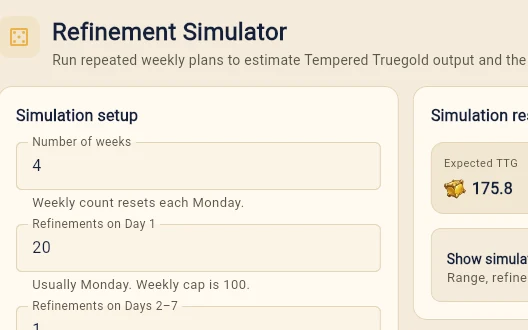 Push your next Truegold tier
Truegold Planner
See the full cost of the tiers you want and plan refinement for the weeks you have left.
Read the guide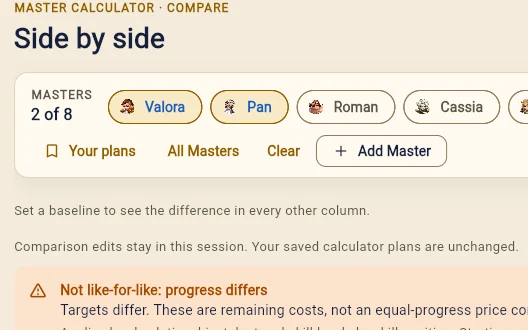 Choose which Master to level
Master Calculator
Compare Masters side by side and get the exact affinity, emblems and manuscripts to your target.
Read the guide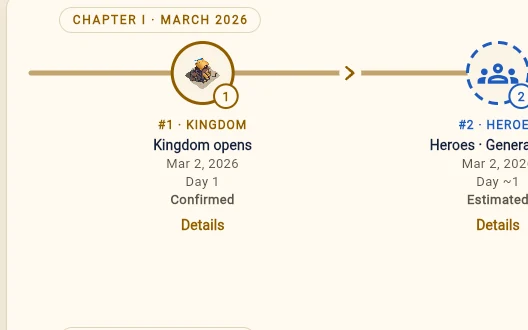 Save for the next hero generation
Kingdom Age Tracker
Work out your kingdom’s age and see roughly when the next heroes, pets and features arrive.
Read the guide